Updating Unity
This section explains how to update Unity to the latest version supported by Creator Kit.
How to update Unity
Step 1. Update Creator Kit to v3.3.0
Creator Kit v3.3.0 is the last version supported on Unity 2021.3.4f1, so start by updating Creator Kit to v3.3.0.
Follow the Updating Creator Kit instructions to update Creator Kit to v3.3.0.
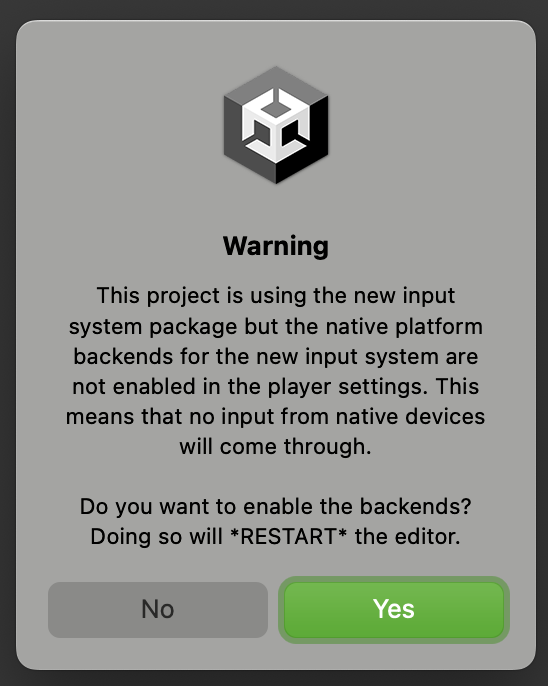
If you see a dialog like the one below while updating Creator Kit, please click Yes.
Step 2. Install Unity from Unity Hub
If you haven’t installed Unity 6000.2.6f2 yet, follow the instructions in Installing Unity to install Unity 6000.2.6f2 using the Unity Hub.
Step 3. Open the project in Unity 6000.2.6f2
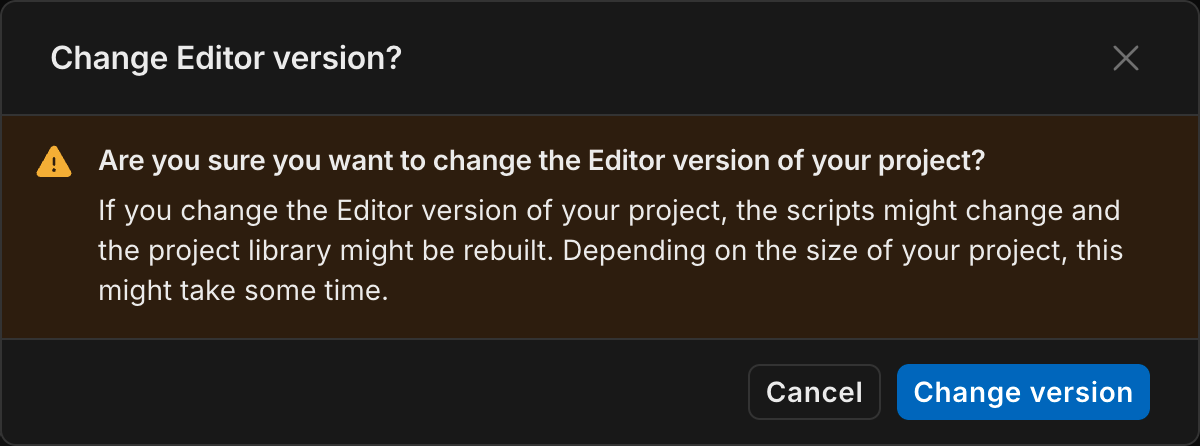
Change the Editor version of your project to Unity 6000.2.6f2 in the Unity Hub.
When a dialog appears, click Change Version.
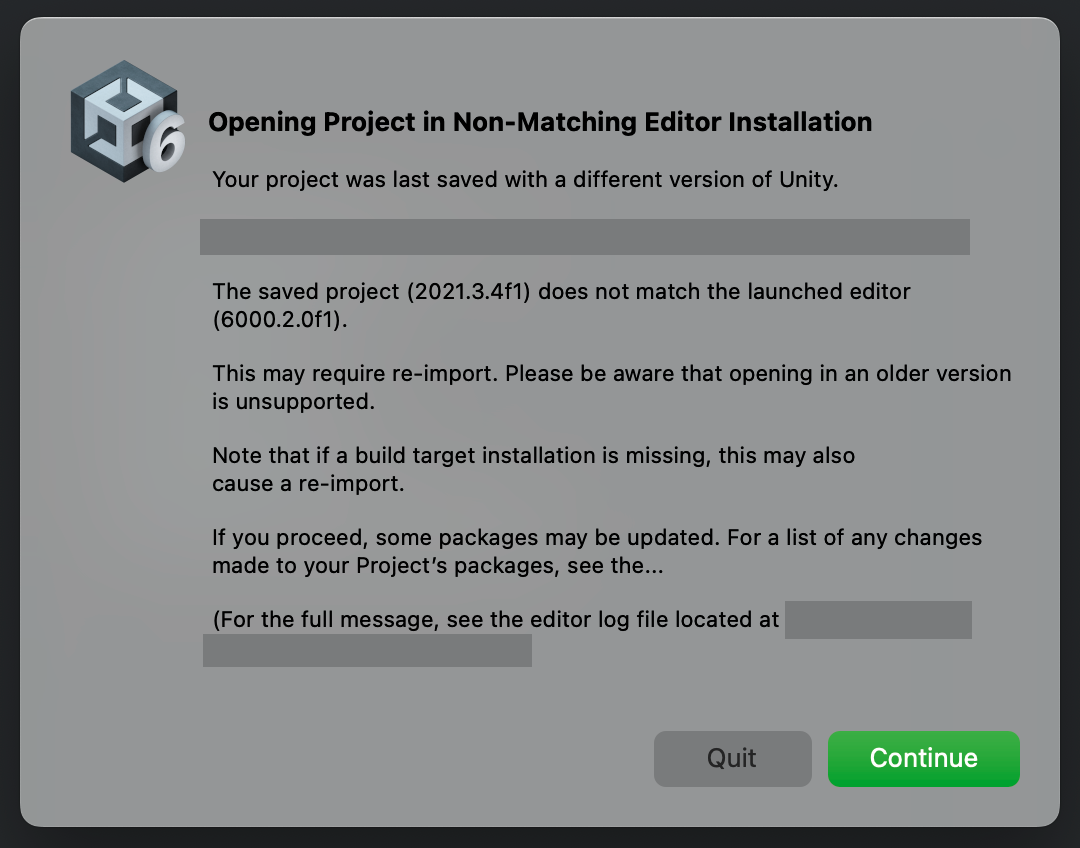
After that, a dialog like the one below will appear, so click Continue.
Step 4. Update Creator Kit to the latest version
Follow the Updating Creator Kit instructions to update Creator Kit to the latest version.
This completes the Unity update.